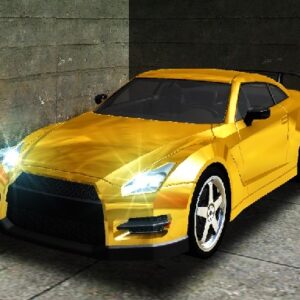
Are you searching for an incredible Racing experience? Turbo Stars – Rival Racing is one of the most highly-rated Racing titles available today. Whether you are at home, school, or work, enjoy seamless gameplay directly in your web browser with complete ease.
⚙️ Game Specifications
| Game Title | Turbo Stars – Rival Racing |
|---|---|
| Genre / Category | Racing |
| Platform Support | Desktop (Windows/Mac), Mobile (iOS & Android) |
| Technology | HTML5 / WebGL Canvas |
| Controls | Keyboard, Mouse & Touchscreen |
📖 Game Overview & Storyline
Do you think you have what it takes to be a Turbo Star? Then hop on your skateboard
🕹️ How to Play Turbo Stars – Rival Racing
Mouse Controls
- Desktop: Use Keyboard (WASD / Arrows / Spacebar) & Mouse Click.
- Mobile/Tablet: Intuitive touch gestures (tap, swipe, hold).
✨ Key Features & Highlights
- Instant Access: No setup or installation required.
- Universal Compatibility: Optimized flawlessly for PC, Mac, tablets, Chromebooks, and mobile phones.
- High-Performance Graphics: Enjoy HD visuals with zero lag on standard internet connections.
- One-Click Fullscreen: Switch to true full-screen mode effortlessly.
❓ Frequently Asked Questions
Q: Is registration required to play Turbo Stars – Rival Racing?
A: No registration or sign-up is required. You can start playing immediately as a guest with 100% free access.
Q: Is Turbo Stars – Rival Racing mobile-friendly?
A: Yes! Turbo Stars – Rival Racing is built with responsive HTML5 technology and runs smoothly across smartphones, iPads, tablets, and desktop computers.
Q: How do I play Turbo Stars – Rival Racing online for free?
A: You can play Turbo Stars – Rival Racing directly on Gblg.Online – Play the Best Arcade Games in One Click by clicking the play frame above. It runs instantly in any modern web browser with no download or setup.